Harshvardhan Mishra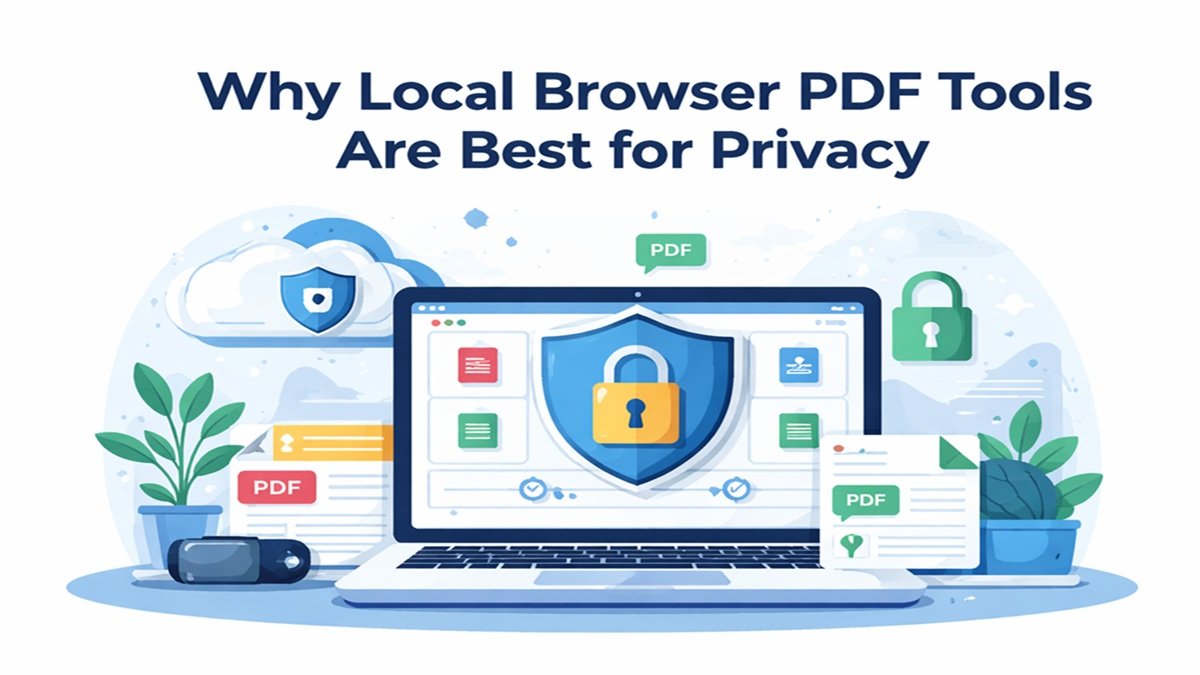
Handling digital documents has become a routine task today. People often need to compress PDFs, split documents, merge files, or convert images into PDFs. Many websites offer these tools online, but most of them require users to upload their files to external servers.
This raises serious privacy and security concerns, especially when documents contain personal or financial information. A better solution is using local browser-based tools, where the processing happens directly inside your browser and the files never leave your device.
What Are Local Browser PDF Tools?
Local browser tools are web applications where file processing happens inside your browser using JavaScript instead of a remote server.
For example, you can compress or split documents using PDF tools that run directly in your browser:
https://bharatarticles.com/pdf-tools
Since the processing happens locally, the files remain on your device and are not uploaded to any external server.
Your Files Never Leave Your Device
The biggest advantage of local browser tools is that your files never leave your computer.
Traditional online tools usually follow this process:
- Upload file to server
- Server processes the document
- User downloads the processed file
During this process, files may be stored temporarily on the server. With local tools, this entire process happens on your device, eliminating the risk of file storage on third-party systems.
Better Privacy for Sensitive Documents
Many documents contain sensitive data such as:
- bank statements
- identification documents
- contracts and agreements
- financial records
Uploading such documents to unknown servers can be risky.
Instead, images and documents can be processed locally using tools like JPEG image tools for browser-based image processing:
https://bharatarticles.com/page/jpeg-image-tools
This ensures that the files stay completely private.
Faster Processing Without Upload Delays
Server-based tools require file uploads, which can take time if the document is large.
Local browser tools eliminate the upload process completely. This means:
- files open instantly
- compression happens immediately
- results are generated faster
Because everything happens locally, users experience much faster processing speeds.
Works Even With Slow Internet Connections
Another advantage of local tools is that they do not depend on internet upload speeds.
Once the page loads, processing happens directly in your browser. This makes local tools ideal for users with slow internet connections.
No Risk of Server Data Breaches
When documents are uploaded to servers, they may become vulnerable to data breaches or unauthorized access.
Local browser tools eliminate this risk because the files never reach external servers.
Browser-Based Tools for Everyday Calculations
Local processing is not limited to documents. Many useful tools also run directly in the browser.
For example, you can estimate loan payments using the EMI calculator:
https://bharatarticles.com/page/emi-calculator
Investors can estimate returns using the SIP calculator:
https://bharatarticles.com/page/sip-calculator
Long-term savings can be evaluated using the PPF calculator:
https://bharatarticles.com/page/ppf-calculator
You can also quickly calculate age using the Age calculator:
https://bharatarticles.com/page/age-calculator
Designers and developers can convert color formats using the Color converter:
https://bharatarticles.com/page/color-converter
All of these tools work directly in the browser without storing your data.
Modern Browsers Enable Powerful Local Processing
Modern browsers support advanced technologies such as:
- JavaScript file APIs
- WebAssembly
- client-side compression libraries
- browser-based PDF engines
These technologies allow complex operations like PDF compression, splitting, and merging to run directly in the browser without external servers.
Conclusion
Local browser-based tools provide a secure and efficient way to handle digital documents. Instead of uploading sensitive files to remote servers, these tools allow you to process documents directly on your device.
The key benefits include:
- stronger privacy protection
- faster processing
- reduced security risks
- no file uploads
- complete control over your data
As online privacy becomes increasingly important, local browser tools are becoming the preferred solution for document processing.